
Neighbourhoods that Run Themselves
Give your frontline teams the tools to work safely and effectively — high-fidelity inspections, structured customer visits, and real-time lone-worker protection, all connected to the customer voice.
Safer teams, stronger communities
The frontline is where housing is really delivered. Neighbourhoods equips your officers with everything they need in the field — and gives managers the oversight to spot issues early, benchmark performance, and act on what tenants are telling them.
Robust Inspections
High-fidelity inspection workflows that let you benchmark performance and quality-score every asset.
Customer Visits
Structured visit journeys that capture the right information at the door, every time.
Lone Working
Real-time tracking, check-ins and escalation to protect your most valuable asset — your people.
Customer Engagement
Capture the tenant voice and turn satisfaction signals into measurable neighbourhood action.
Neighbourhood Solutions
Strategic tools for community development, estate management and sustainable improvement.
Announcements
Reach residents and teams with targeted updates that keep everyone informed and aligned.
In the field
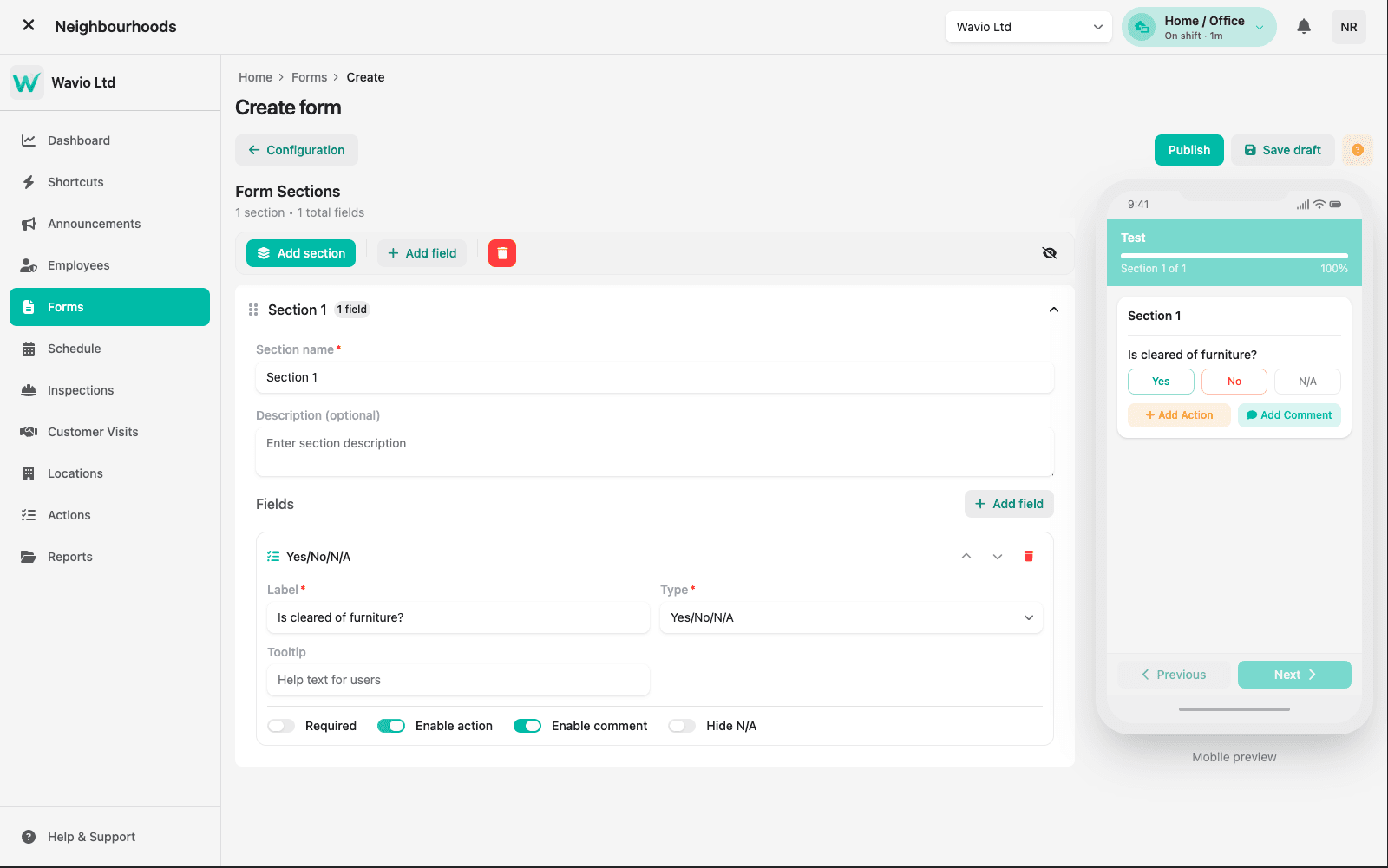
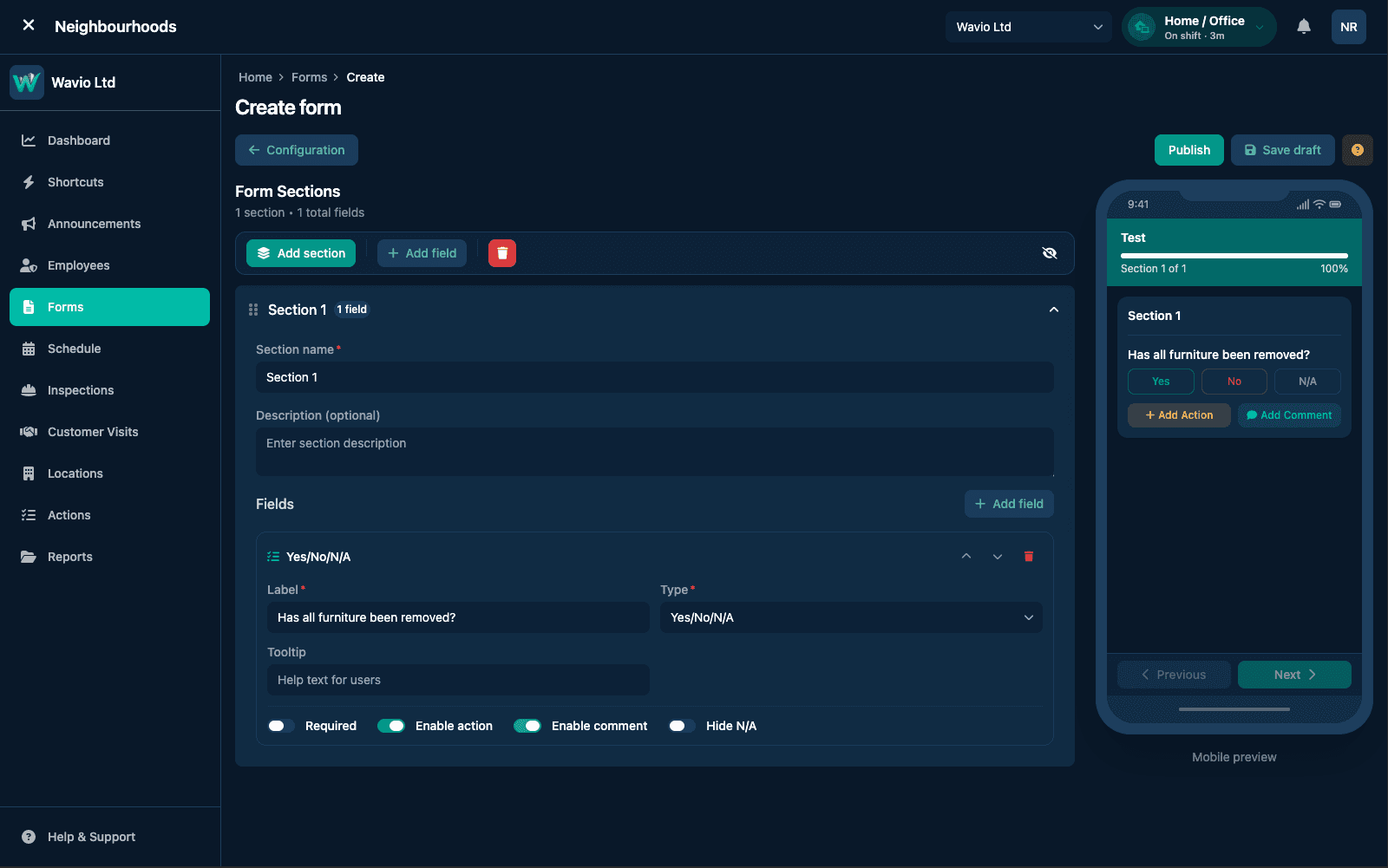
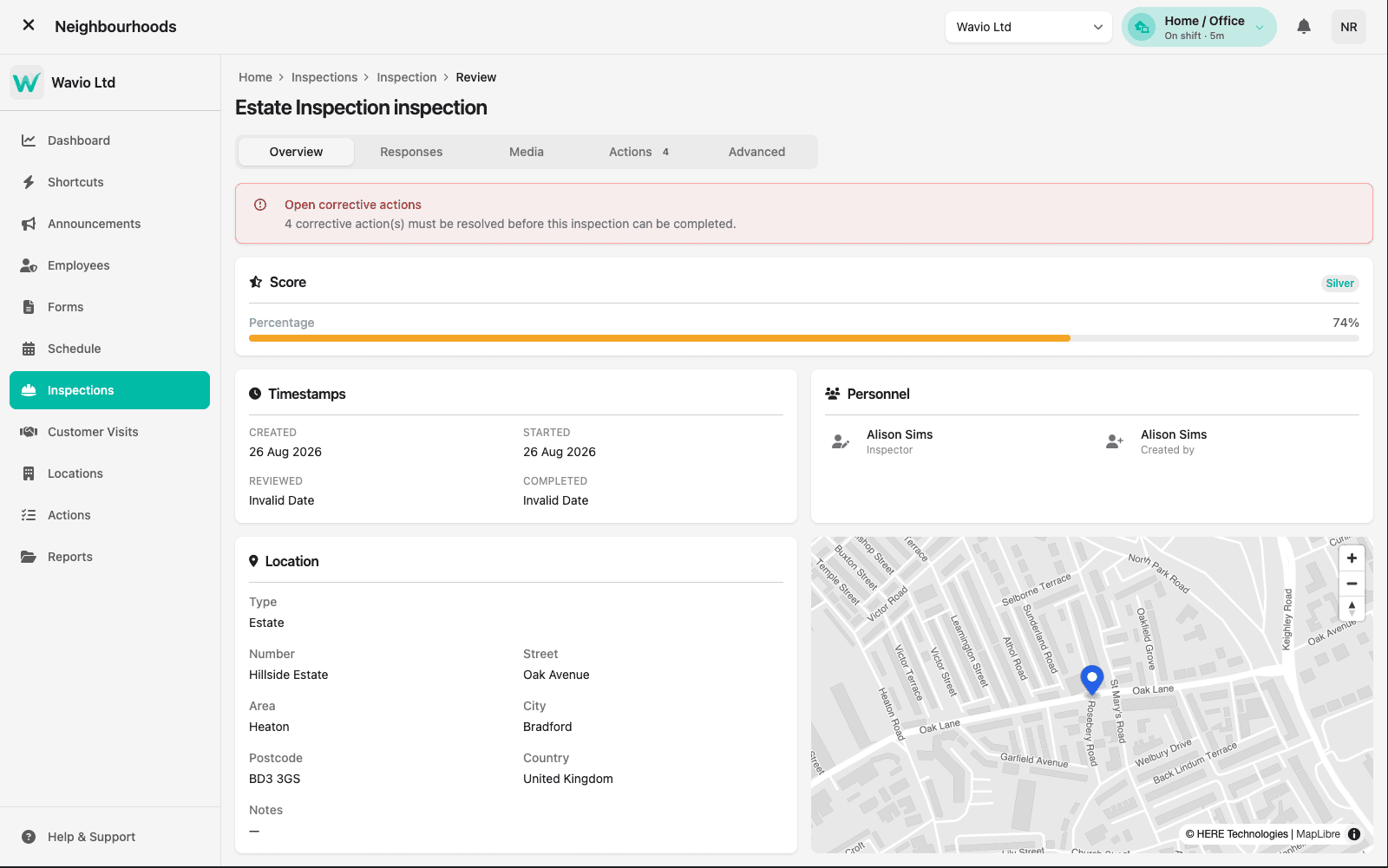
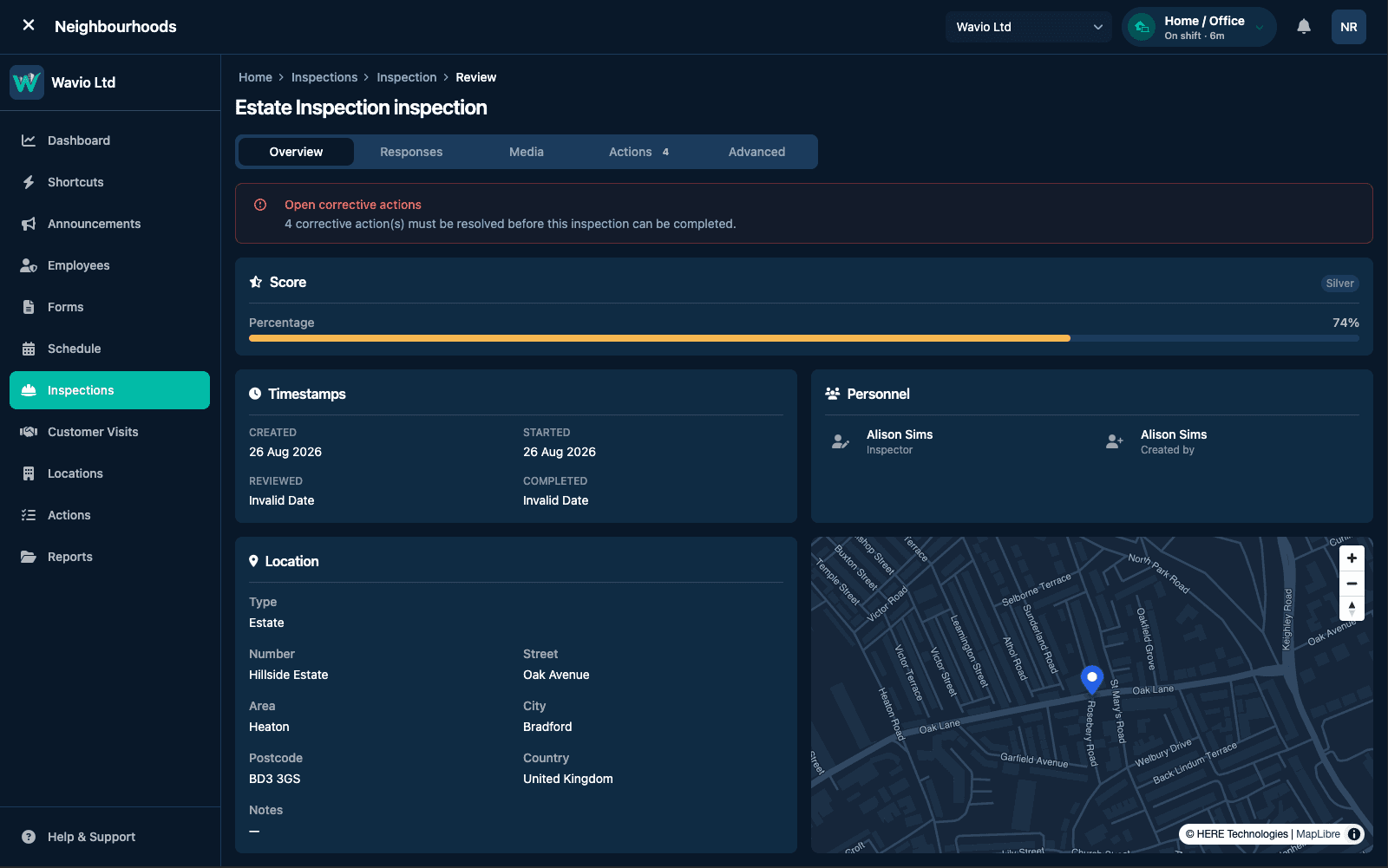
Inspections you can trust
Standardised, high-fidelity inspections give you comparable data across your whole portfolio — so quality is something you can measure and improve, not guess at.
- Consistent, quality-scored assessments
- Photo and evidence capture at the point of work
- Benchmark performance across estates
Safety first
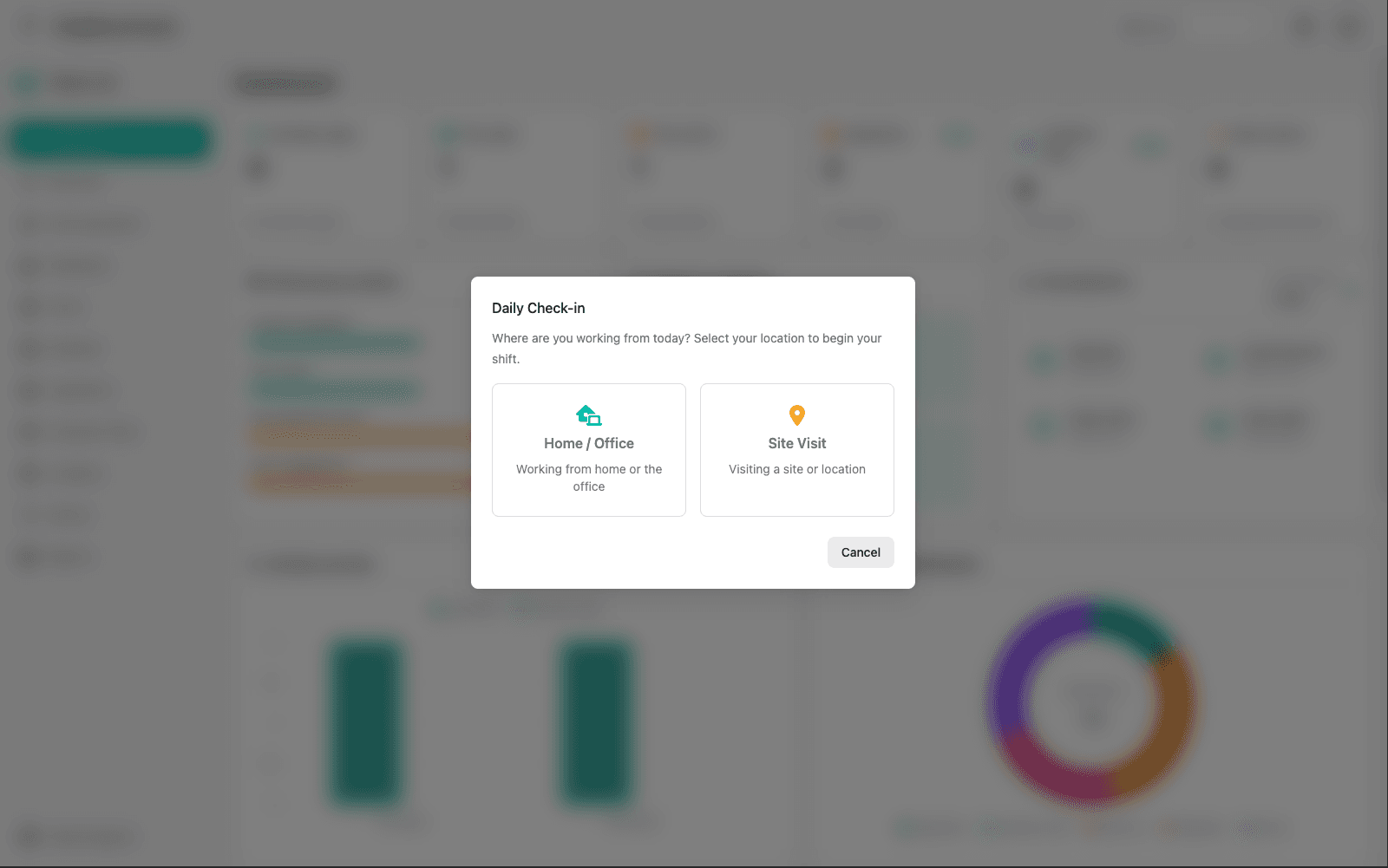
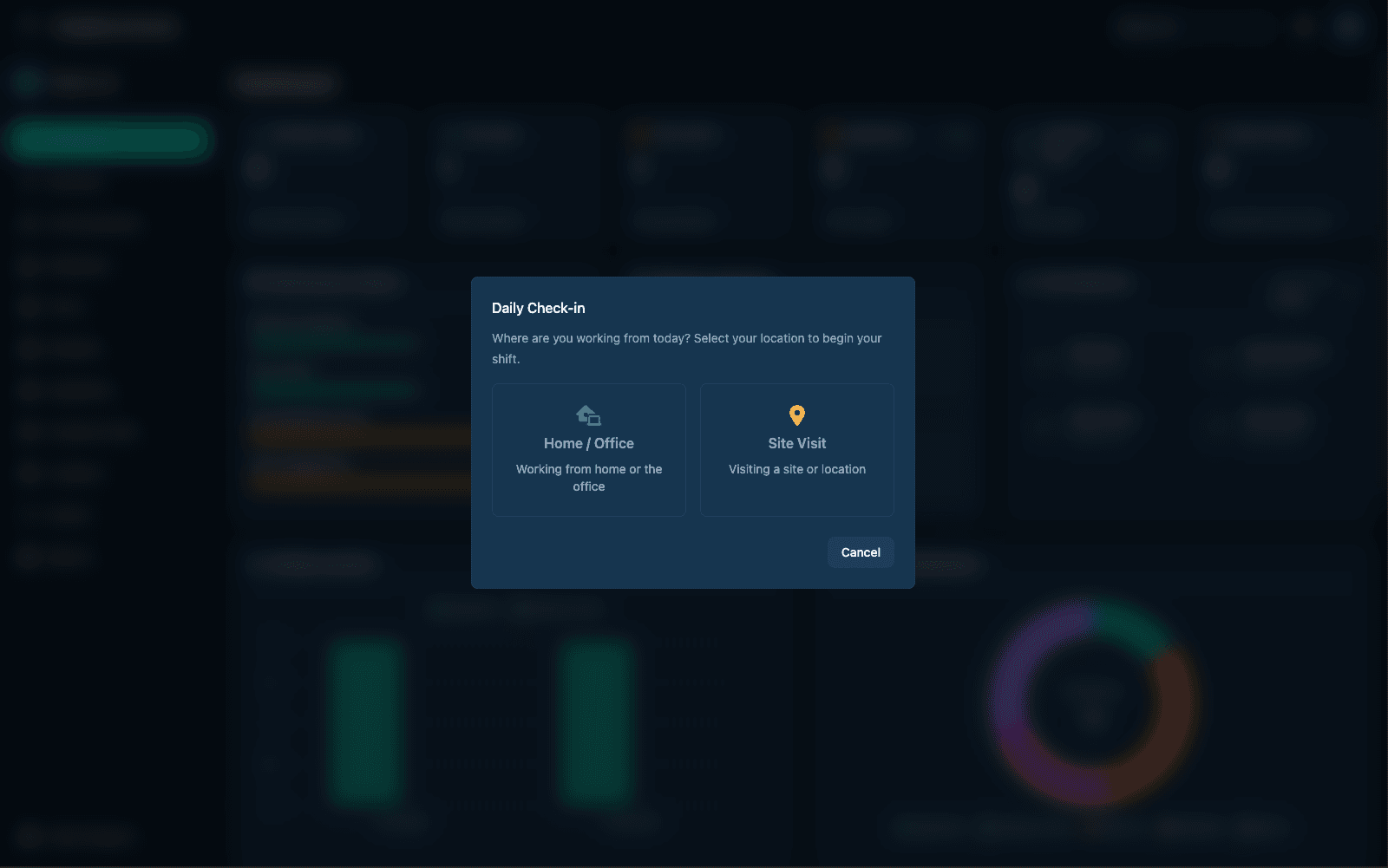
Protect every lone worker
When your team is out on a remote estate, Wavio has their back — with live tracking, timed check-ins and instant escalation if something goes wrong.
- Real-time location and status
- Timed check-ins with automatic alerts
- Clear escalation when help is needed
Before you knock
Every visit briefed in advance
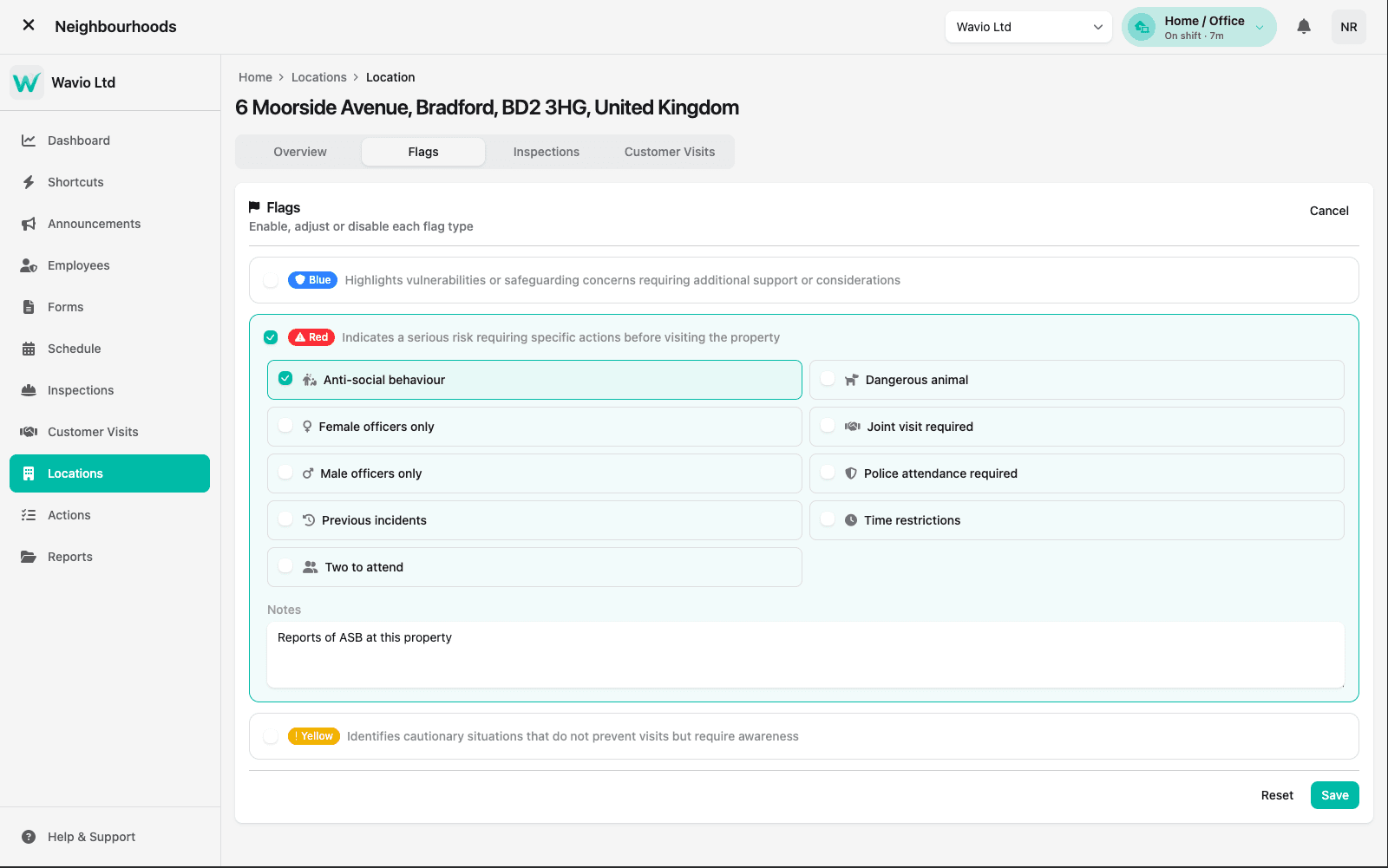
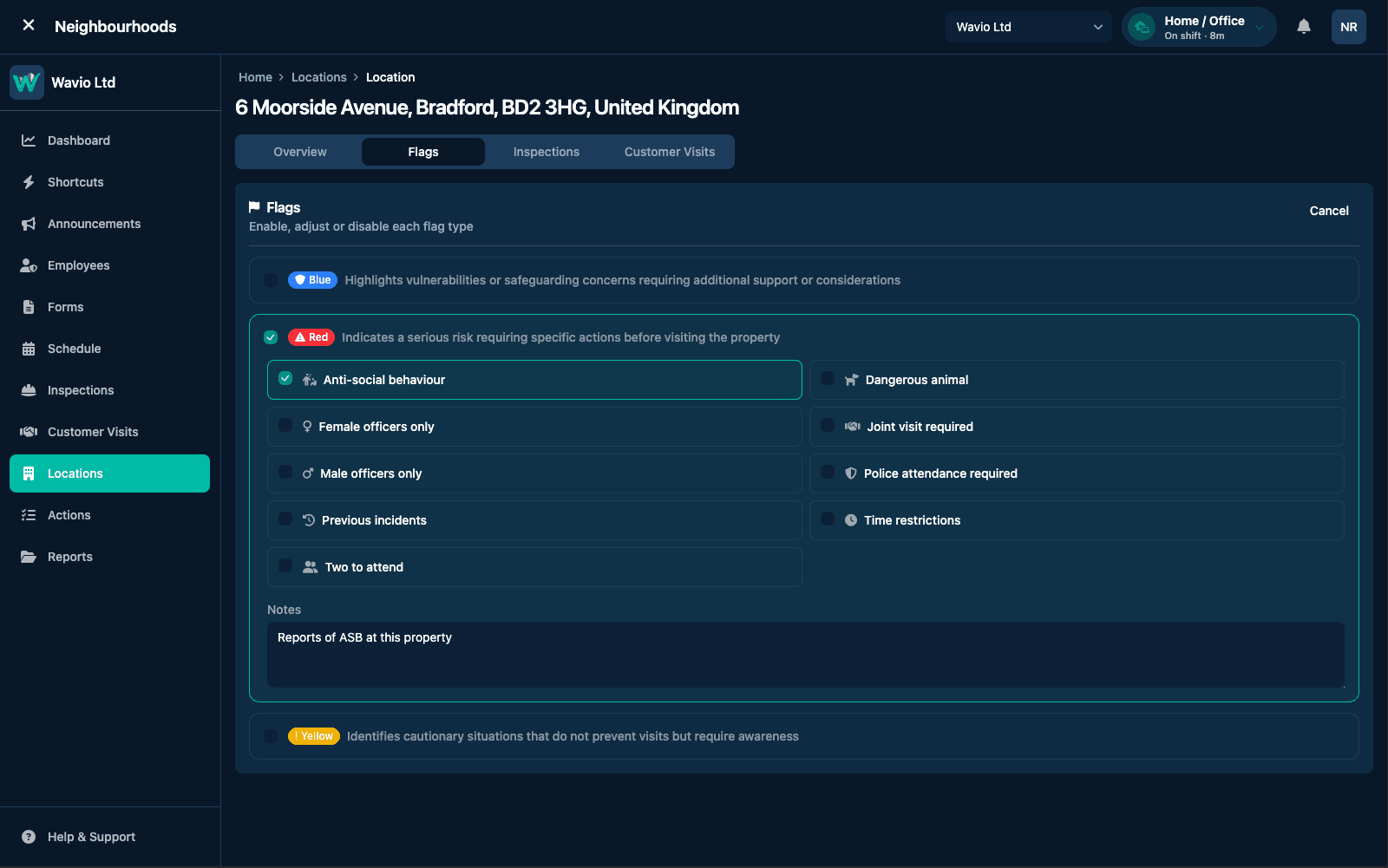
Property-level flags tell officers what they're walking into. Blue for vulnerability and safeguarding, red for serious risk that needs specific action first, yellow for cautionary awareness — all set per location and visible long before anyone sets off.
- Blue, red and yellow flags, each enabled per property
- Conditions like two to attend or police attendance required
- Notes that carry the context, not just the label
Planning
A week of work, laid out
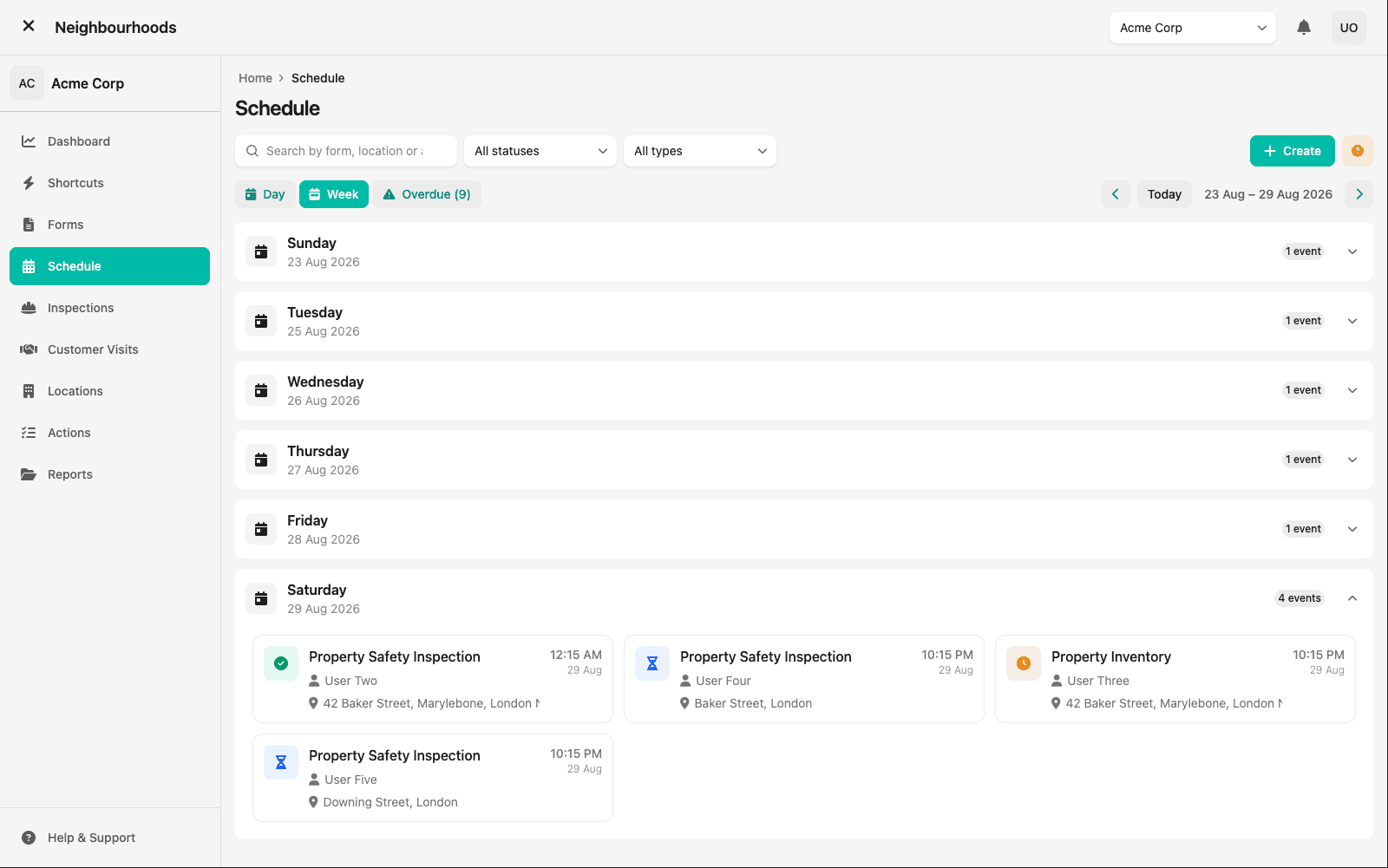
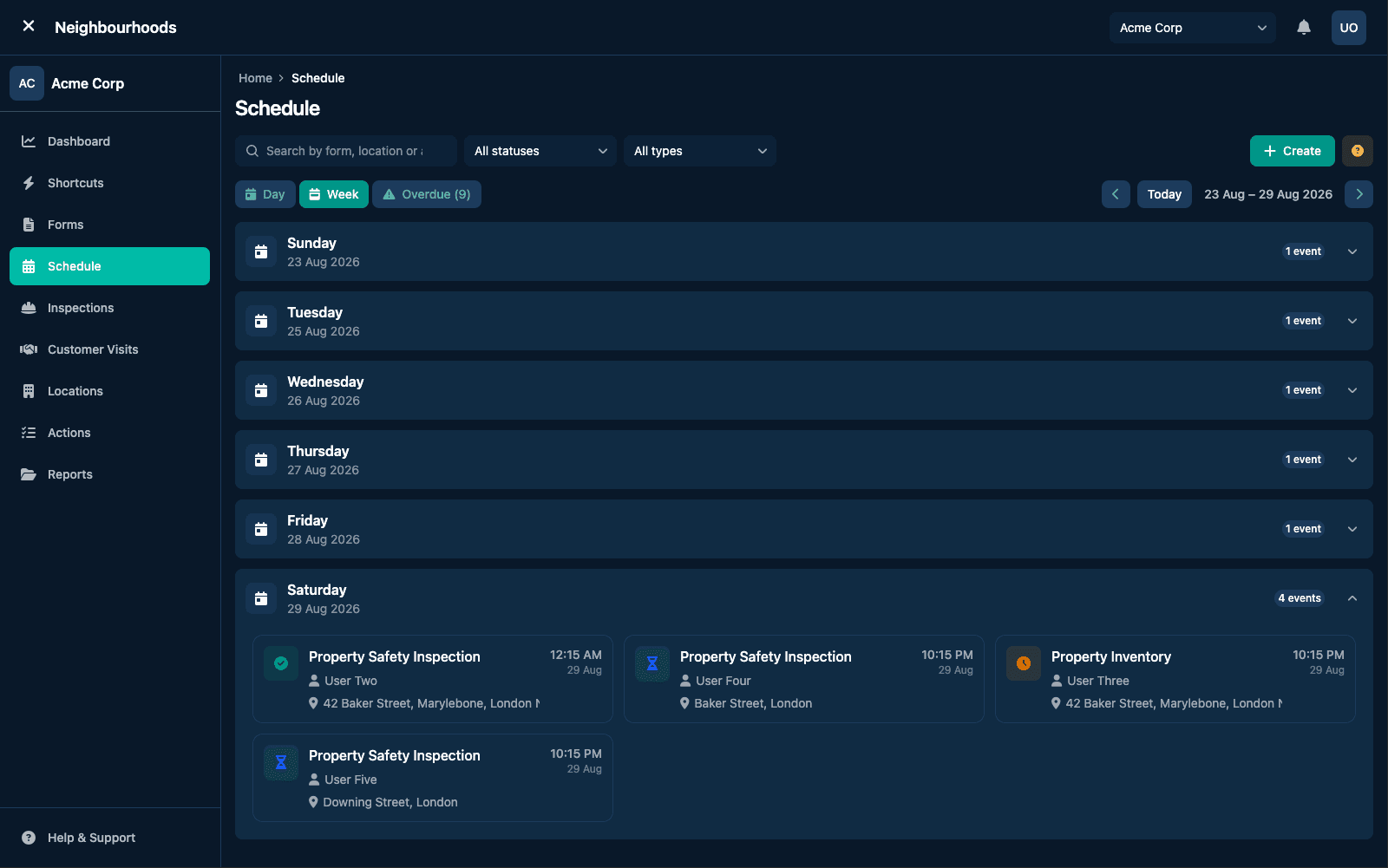
See every inspection and visit due across the week, who it belongs to and where it is — with overdue work surfaced rather than buried. Day and week views keep the plan honest without a separate rota to maintain.
- Day and week views across all scheduled activity
- Overdue work flagged up front
- Assignee and location on every event
Follow-through
Nothing left at the door
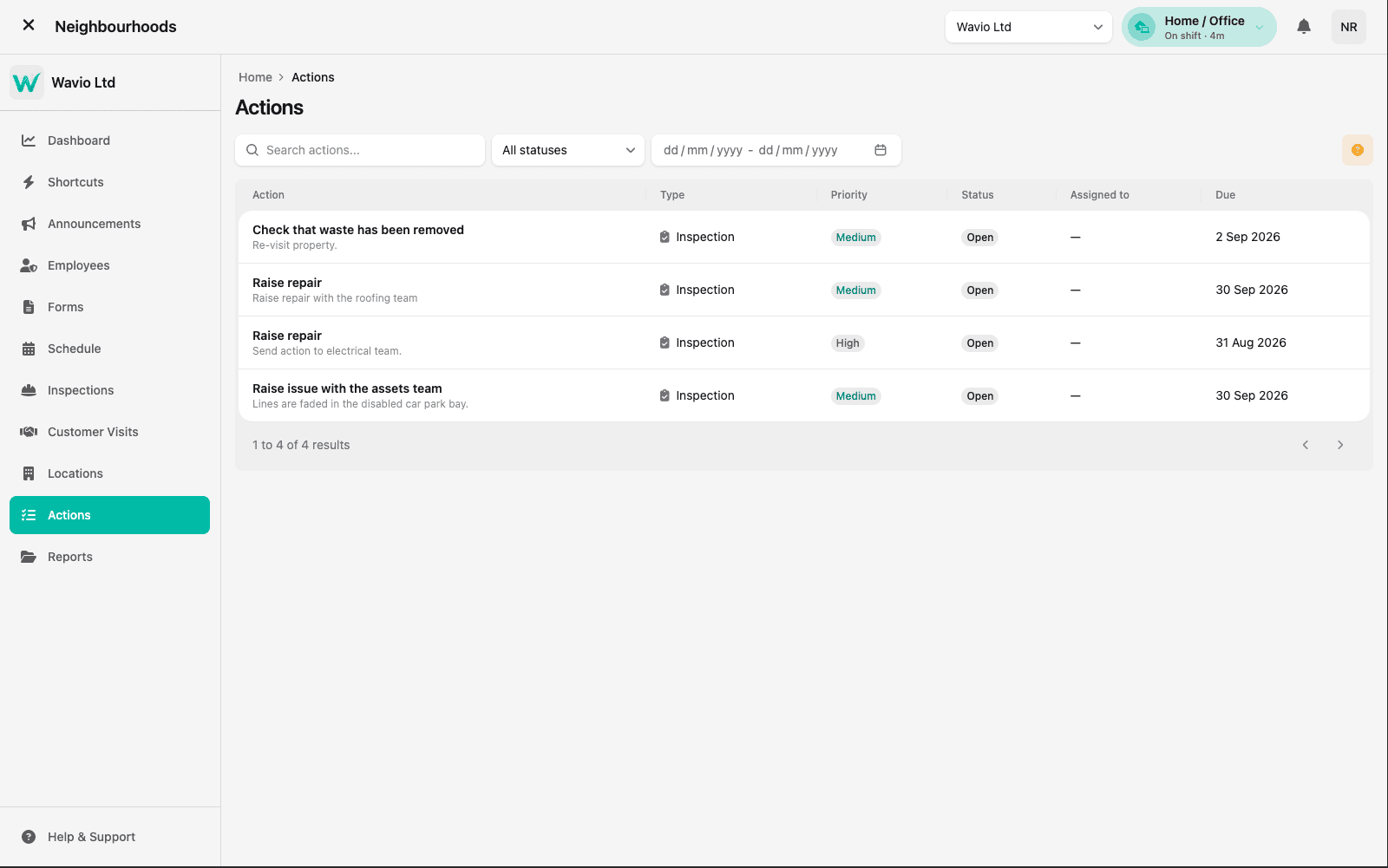
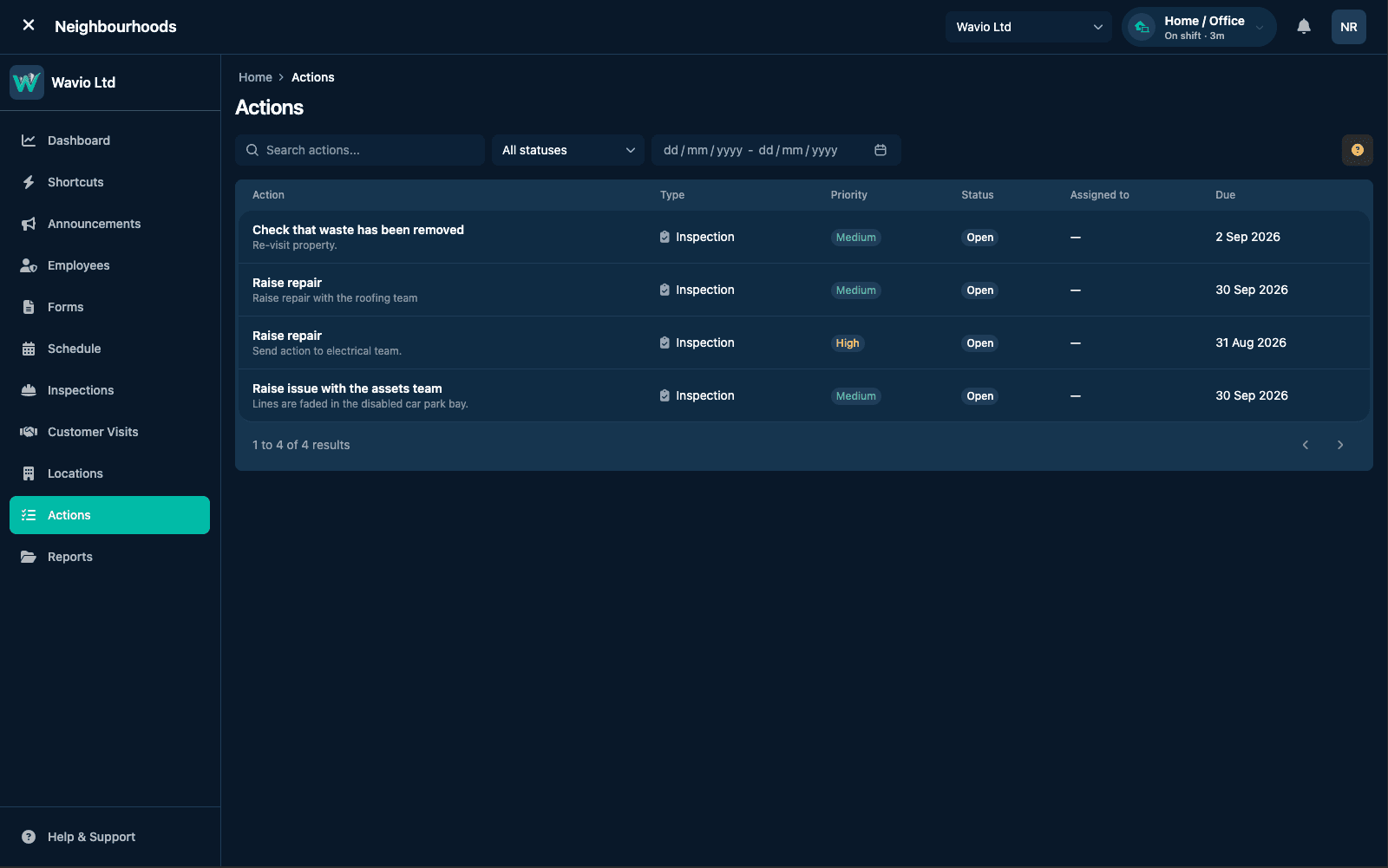
Issues raised during an inspection or visit become tracked actions with a type, priority and due date — so a repair spotted on site is chased to completion instead of sitting in someone's notebook.
- Actions raised straight from the inspection that found them
- Type, priority, status and due date on every item
- Filter by status or date to see what's slipping
Comms
Say it once, know it landed
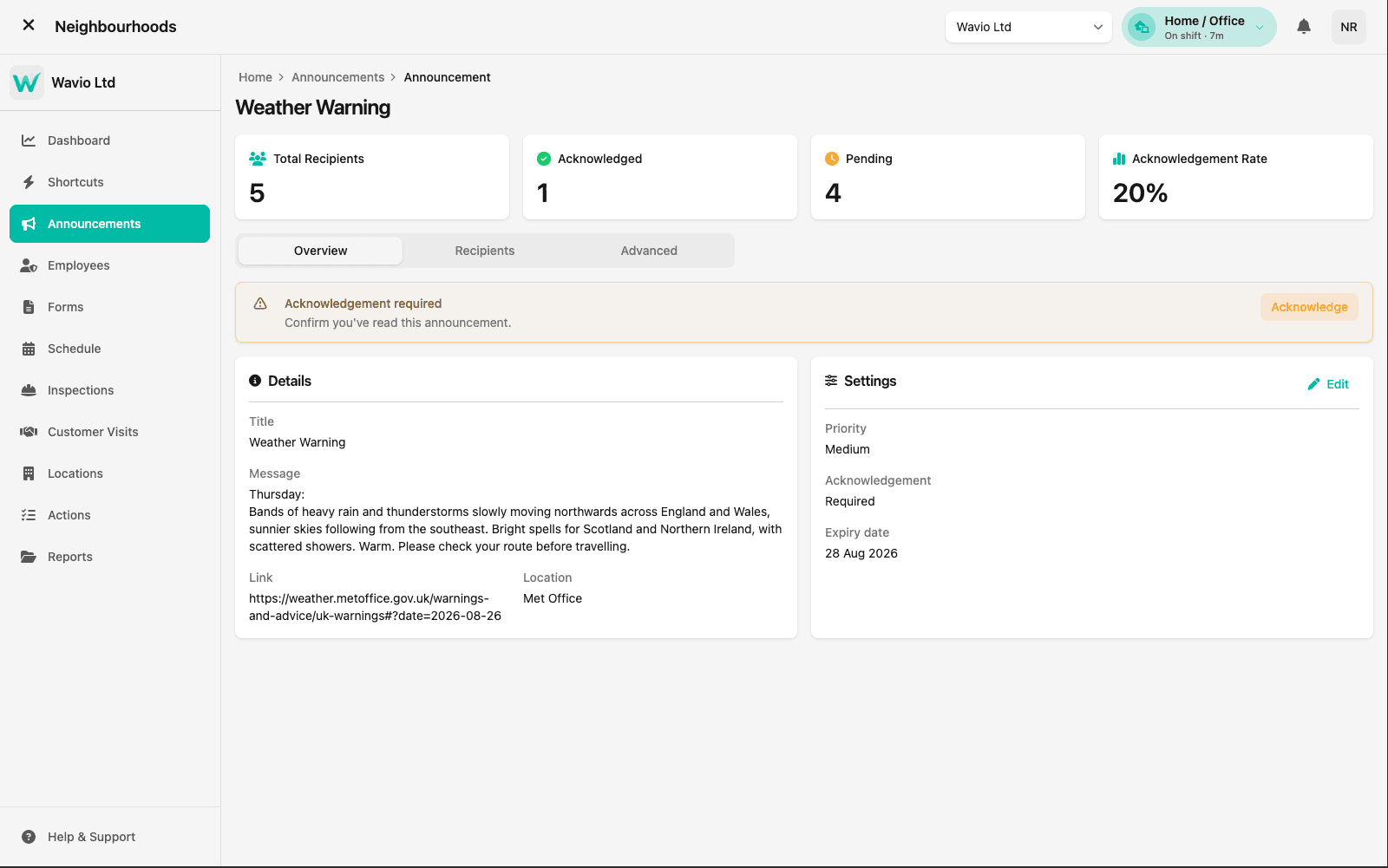
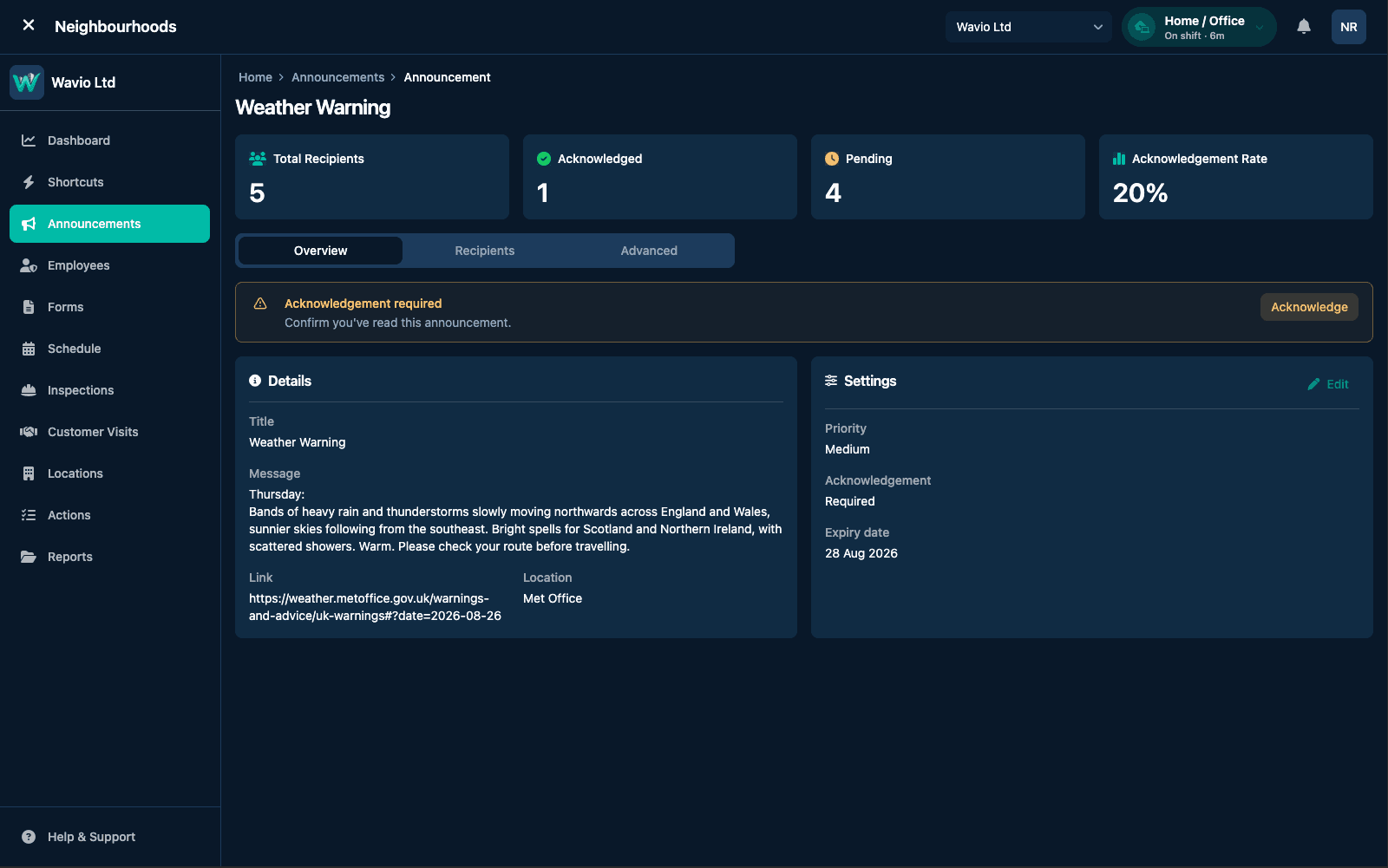
Send targeted announcements to teams and residents — a weather warning, a service change, a safety notice — and require acknowledgement where it matters. Recipient and acknowledgement counts show you who has actually seen it.
- Priority and expiry date on every announcement
- Acknowledgement required where it matters
- Live recipient counts and acknowledgement rate
Reporting
Evidence, not anecdote
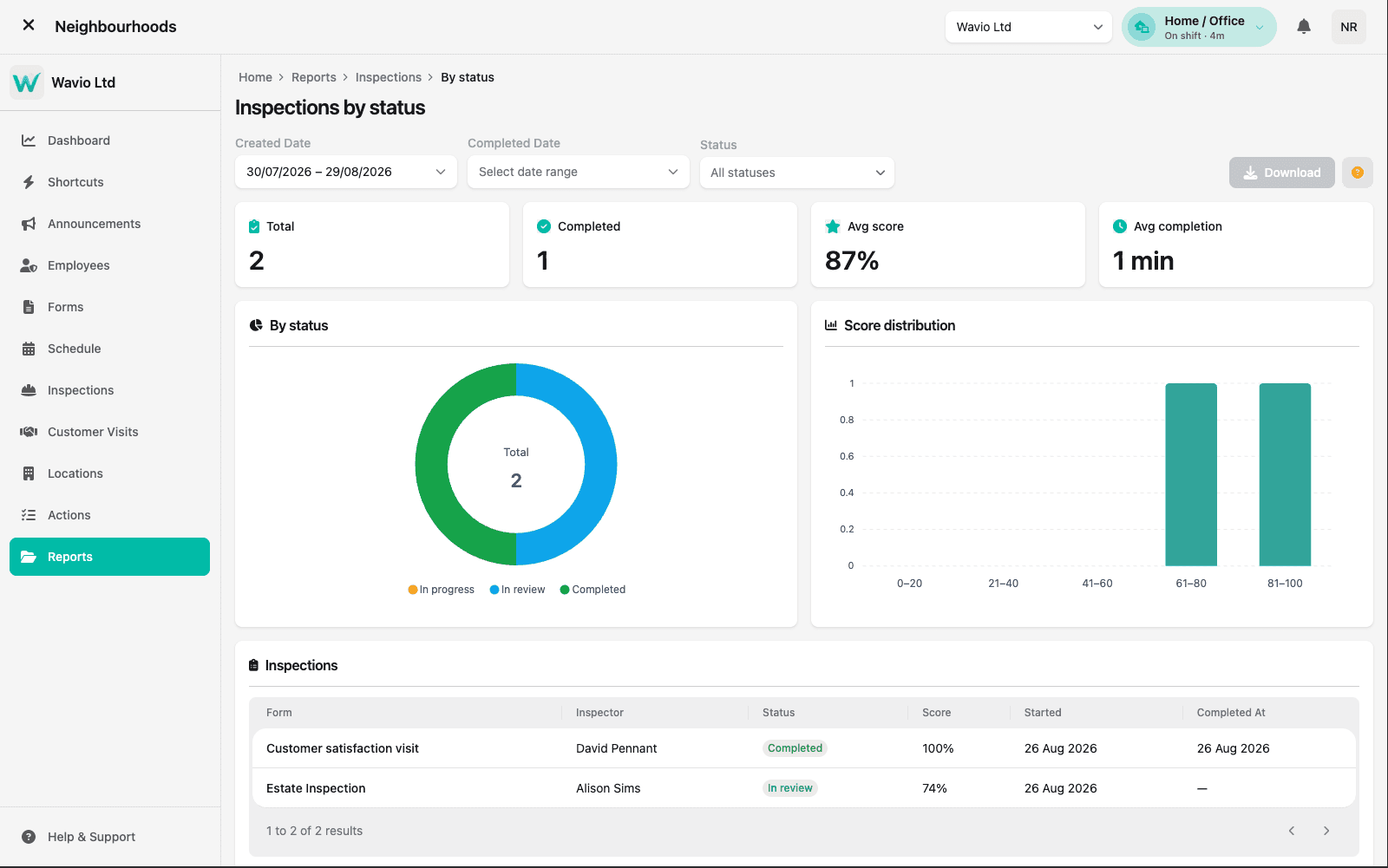
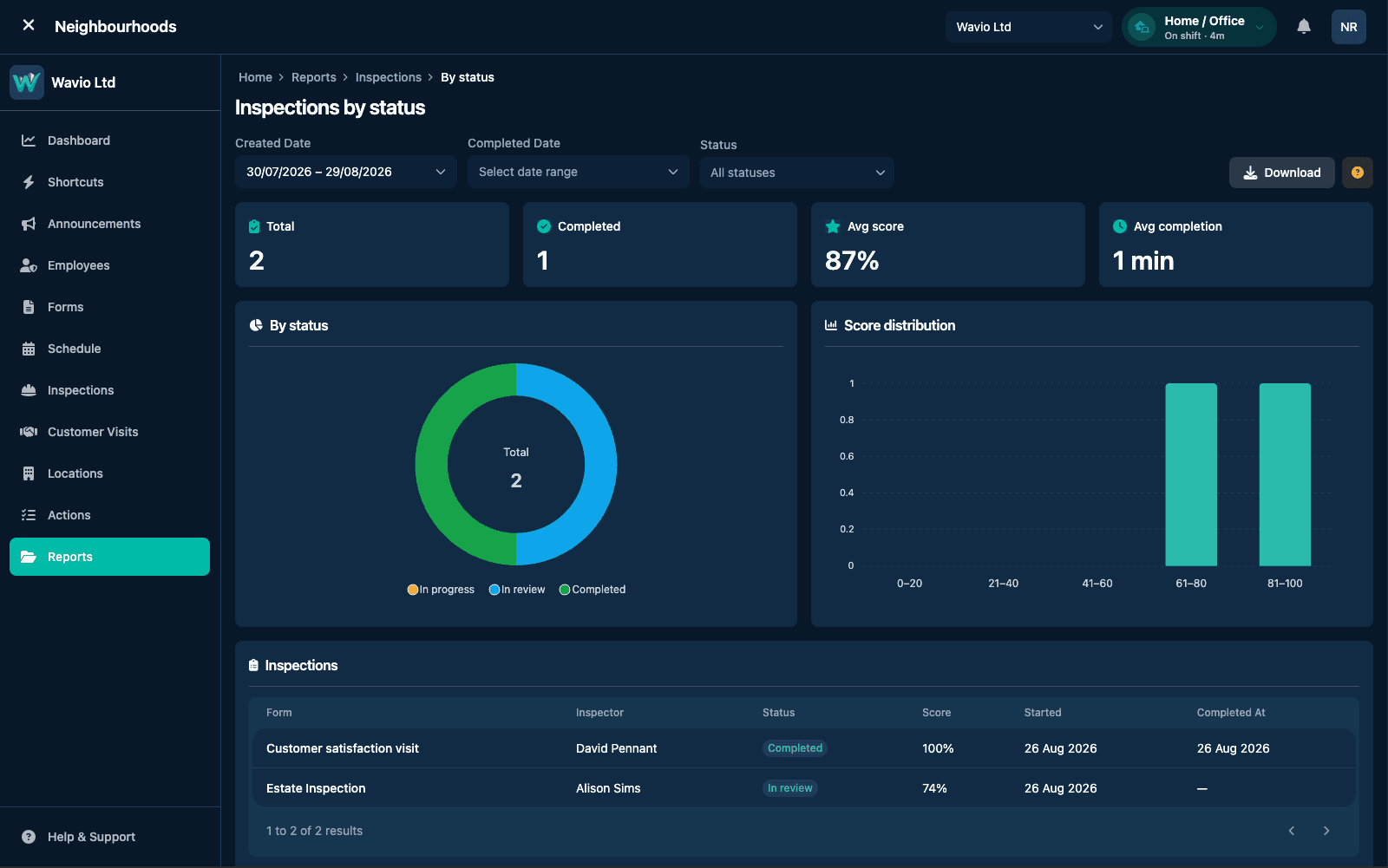
Report on inspections by status, average score and average completion time, with a score distribution that shows where quality actually sits. Filter by date or status, then download the detail behind the numbers.
- Totals, average score and average completion time
- Status breakdown and score distribution
- Date and status filters with downloadable detail
Empower your frontline today
See how Neighbourhoods keeps your teams safe, your inspections consistent, and your communities heard — all from one platform.
Talk to Our Team